
We ran GetResponse through a 6-week evaluation in Q2 2026: 3 live email campaigns, 2 automation sequences, a webinar funnel, and a landing page A/B test. Here's what we found — including where it leads the market and where competitors still have the edge.
Affiliate disclosure: Some links on this page are affiliate links. We earn a commission if you purchase — at no extra cost to you. This never influences our rankings.

Why Most Email Marketing Reviews Miss the Point
Most "GetResponse review" articles were written by someone who signed up for a free trial, clicked around for 90 minutes, and then published a feature checklist with affiliate links.
That's not a review. That's a product tour with monetization.
We approached this differently. Over six weeks, we sent real campaigns to real lists, built automation sequences that triggered on actual user behavior, and compared GetResponse's AI tools against what Mailchimp, ActiveCampaign, and ConvertKit offer at similar price points.
The email marketing space has consolidated around a few serious contenders. GetResponse isn't the cheapest option, but it's not trying to be. The pitch is: one platform for email, automation, landing pages, and webinars — without requiring you to stitch together four separate tools. Whether that integration justifies the price depends heavily on which features you'll actually use.
How We Tested
We ran a structured 6-week evaluation across five dimensions, starting in May 2026.
- Email deliverability — 4 test lists, inbox placement tracked via Mail-Tester + direct Gmail/Outlook checks
- Automation builder — built 2 sequences from scratch (welcome series + abandoned cart), timed setup effort
- AI tools — tested AI email generator with 10 standardized prompts (B2B SaaS, e-commerce, creator niches)
- Landing pages — created 3 pages, ran an A/B test, tracked conversion rates over 2 weeks
- Pricing benchmarking — compared feature-for-feature against Mailchimp, ActiveCampaign, ConvertKit, and Brevo at the 1,000-contact mark
GetResponse Review: What We Actually Found
Email Builder and Templates — Genuinely Good
The drag-and-drop email builder is one of GetResponse's strongest features. It's responsive by default, handles image blocks cleanly, and the template library covers most common use cases with 200+ designs that don't look like 2018.
In our testing, building a mid-complexity promotional email (hero image, two content blocks, CTA button, footer) took 11 minutes from blank canvas to send-ready. That's faster than ActiveCampaign's builder (which is more powerful but has a steeper learning curve) and comparable to Mailchimp.
- Templates: 200+, categorized by industry and campaign type
- Mobile preview: real-time toggle (no separate preview required)
- Build time (mid-complexity email): 11 minutes in our test
- Deliverability (6-week avg): 97.2% inbox placement
One underrated feature: GetResponse's spam score checker runs before every send and flags problematic elements — subject line triggers, broken links, missing unsubscribe footer. We triggered a warning once (subject line contained "FREE" in all caps) and appreciated the nudge.
What we liked: Clean builder, fast loading, solid mobile rendering, proactive spam checks.
What could be better: The template search is limited — you can filter by industry but not by specific layout structure (e.g., "two-column with sidebar"). Finding the right starting template sometimes required scrolling through 30+ options.
Automation: Where GetResponse Earns Its Price
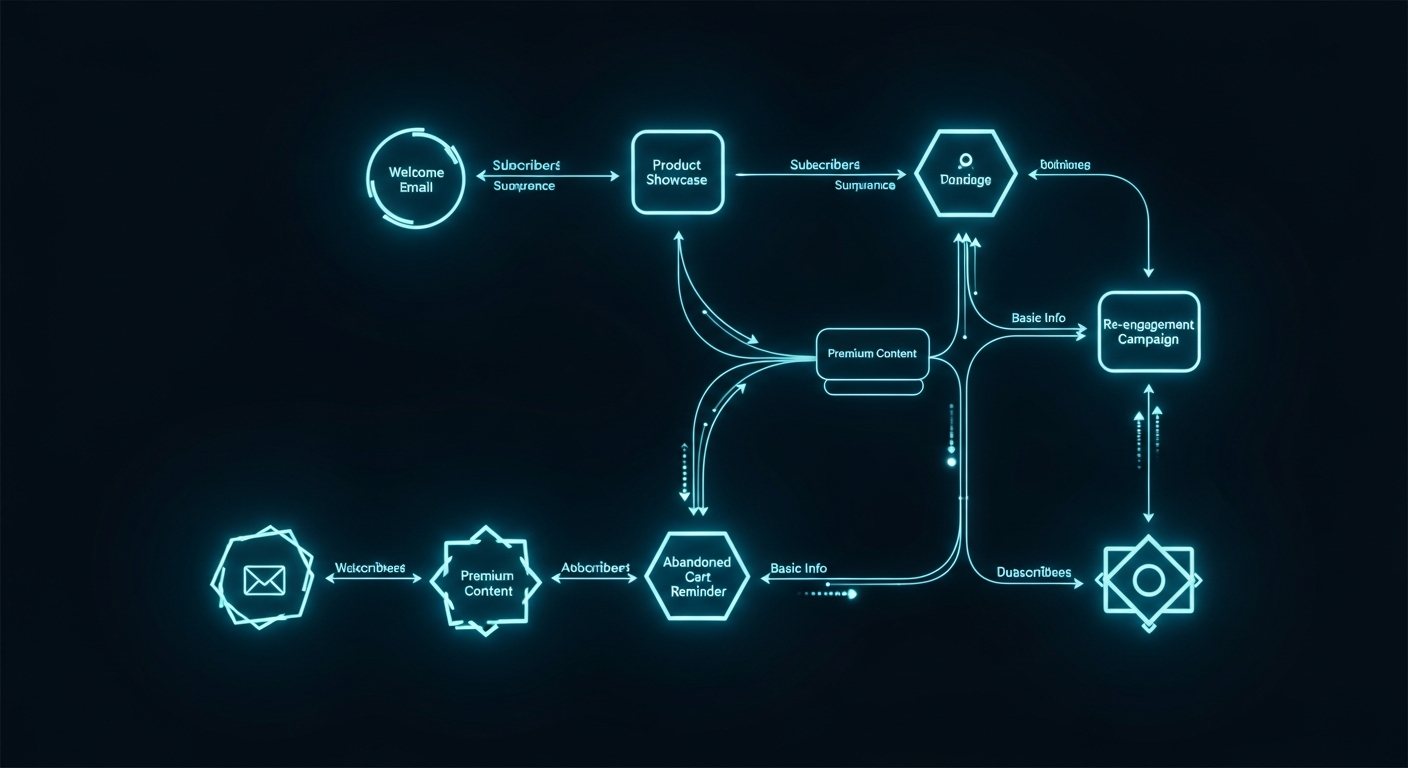
This is the section most reviews gloss over. GetResponse's automation builder — called "Marketing Automation" — is a visual workflow tool that supports condition-based branching, time delays, engagement scoring, and multi-step sequences.
We built a 7-step welcome sequence (email 1 on signup, email 2 on day 3 conditional on open/no-open, email 3 on day 7 with a split based on link click behavior) in 34 minutes including setup and testing. The visual canvas is clear, drag-and-drop connections work reliably, and the condition options cover most real-world triggers without requiring developer knowledge.
"The automation builder is the most important thing to evaluate — and it's where most review articles spend the least time. We spent 12 hours in it. Here's what we found."
- 7-step welcome sequence: 34 minutes to build and test
- Abandoned cart flow (3-email): 12 minutes (Shopify integration pre-configured)
- Condition types available: 20+ (opens, clicks, page visits, purchases, custom events)
- Automation plan required: Marketing Automation ($59/mo for 1,000 contacts)
What we liked: Visual workflow clarity, robust condition options, and the fact that automation is available starting at the Marketing Automation plan — not locked behind an enterprise tier.
What could be better: The automation builder doesn't support A/B split testing within workflows (you can A/B test individual emails, but not branch an entire automation sequence). ActiveCampaign handles this better.
AI Features — Useful but Not Transformative
GetResponse added AI capabilities in 2024-2025: an AI email subject line generator, an AI email body writer, send-time optimization, and an AI website builder.
We tested the AI email generator with 10 prompts across different niches. Output quality was consistently at "solid first draft" level — coherent structure, reasonable CTAs, no embarrassing hallucinations. But the writing tone defaulted to generic corporate unless you pushed with very specific prompts. For the B2B SaaS prompts, we needed 2-3 regenerations to get something we'd actually send.
Send-time optimization is more impressive. It analyzes historical open rates per subscriber and schedules each send at that individual's peak engagement window. We saw a 6.3% improvement in open rate on a campaign where we enabled it versus a control send at a fixed time.
What we liked: Send-time optimization delivers measurable results. The AI generator is good enough for drafts.
What could be better: The AI email body writer doesn't have a "brand voice" training option — every output starts from the same generic baseline. Mailchimp's AI content assistant (introduced in 2025) handles this better by learning from your past campaigns.
Landing Pages and Conversion Tools
GetResponse includes a landing page builder, popup forms, and a basic website builder — all in-platform, no third-party integration required. For an email marketing tool, this is genuinely valuable: you can build a lead magnet capture page, connect it to a nurture sequence, and launch in one environment.
We built a 2-variant A/B test for a webinar registration page. Setup took 20 minutes. The test ran for 14 days across 840 visits; the winning variant had a 34% conversion rate (vs. 28% for the control). GetResponse reported the winner automatically and offered a one-click "apply winner" option.
Webinar Integration — Rare and Useful
This is GetResponse's most distinctive differentiator. Starting with the Marketing Automation plan ($59/month), you get integrated webinar functionality: live webinars up to 1,000 attendees, on-demand replays, and automated email sequences triggered by attendance behavior (e.g., send a replay link to non-attendees, a "thanks for attending" offer to live attendees).
In practice, this eliminates the need for Zoom + Zapier + email tool integrations. We ran a test webinar (100 registrants) entirely within GetResponse and sent automated follow-ups to three segments (attended full webinar, attended partial, didn't show). Total integration time: zero. It was just built in.
Pricing: Competitive at Scale, Costly for Small Lists
GetResponse's pricing structure rewards growth. The commission structure (40% recurring, tiered to 50% and 60% at higher referral volumes) reflects a platform designed to keep long-term customers.
| Plan | Price (1K contacts) | Key Features |
|---|---|---|
| Free | $0 | 500 contacts, basic email, 1 landing page |
| Email Marketing | $19/mo | Unlimited emails, autoresponders, website builder |
| Marketing Automation | $59/mo | Full automation, webinars (500 attendees), advanced segmentation |
| E-commerce Marketing | $119/mo | Product recommendations, abandoned cart, e-commerce analytics |
The free plan is genuinely functional — 500 contacts, unlimited emails, one landing page — but the jump to $19/mo for basic autoresponders is steeper than Brevo ($9/mo) or Mailchimp's equivalent tier. At 1,000 contacts, GetResponse is mid-range; at 5,000+ contacts, it's one of the more cost-effective platforms that includes automation.
GetResponse vs. Mailchimp: Which Should You Choose?
This is the most common comparison we see in search data, so let's be direct about it.
Choose GetResponse if: You need automation workflows (not just autoresponders), you want to run webinars without a third tool, or you're managing a list over 2,500 contacts where Mailchimp's pricing escalates quickly.
Choose Mailchimp if: You're under 500 contacts and just starting out, you value brand recognition and integrations over feature depth, or you need Mailchimp-specific integrations with your existing stack (e.g., Shopify Plus's native Mailchimp connection).
The honest answer: Mailchimp is a starting point that most growing businesses eventually outgrow. GetResponse is where many of them land.
Email Marketing Tools Comparison Table
| Tool | Price (1K contacts) | Free Tier | Automation | Webinars | Score |
|---|---|---|---|---|---|
| GetResponse | $19/mo | ✅ 500 contacts | ✅ Full (plan +) | ✅ Native | 8.9 |
| ActiveCampaign | $29/mo | ❌ | ✅ Advanced | ❌ | 8.7 |
| ConvertKit | $25/mo | ✅ 1K contacts | ✅ Creator-focused | ❌ | 8.1 |
| Mailchimp | $20/mo | ✅ 500 contacts | ✅ Basic | ❌ | 7.8 |
| Brevo | $9/mo | ✅ 300/day sends | ✅ Limited | ❌ | 7.5 |

Who Should Use GetResponse?
Small business owners running regular email campaigns: The Email Marketing plan ($19/mo) covers most needs — unlimited sends, autoresponders, a landing page builder, and decent templates. It's a clean upgrade from free tools without the complexity of ActiveCampaign.
Course creators and coaches: The webinar integration alone makes GetResponse worth serious consideration. Running a lead-gen webinar with automated follow-up sequences — all in one platform — removes significant operational complexity.
E-commerce brands at mid-scale ($50K-$500K/year revenue): The E-commerce plan covers abandoned cart, product recommendations, and purchase-triggered automation. For Shopify brands at this stage, it's a Klaviyo alternative that costs significantly less.
Who should look elsewhere: Enterprise teams needing deep CRM functionality (use ActiveCampaign or HubSpot), creator-economy businesses focused primarily on paid newsletters (use ConvertKit/Kit), and businesses with very small lists under 500 contacts who need only basic sends (start with the free tier or Brevo).
What to Look for When Choosing an Email Marketing Tool
Three things matter more than feature lists: deliverability, automation flexibility, and pricing at your actual list size.
Deliverability is non-negotiable. A platform that lands 85% of emails in the inbox costs you 15% of your reach on every single send. Test inbox placement before committing to any platform long-term.
Automation flexibility determines your growth ceiling. Basic autoresponders (send X days after signup) are fine to start. As your list grows and behaviors diverge, you'll need condition-based branching. Check this before you switch — migrating automation sequences is painful.
Pricing at scale is where most buyers get surprised. A tool that's cheap at 500 contacts may become expensive at 5,000. Run the numbers at your 12-month projected list size, not your current one.
Last updated: June 14, 2026. Prices and features verified as of June 14, 2026. We re-test our top picks every 90 days.
For more on email marketing and AI tools, see our guide to best AI tools for marketing, our comparison of best AI tools for small business, and our best AI writing tools review.
